instrument panel TESLA MODEL X 2016 Owner's Guide
[x] Cancel search | Manufacturer: TESLA, Model Year: 2016, Model line: MODEL X, Model: TESLA MODEL X 2016Pages: 179, PDF Size: 4.3 MB
Page 75 of 179
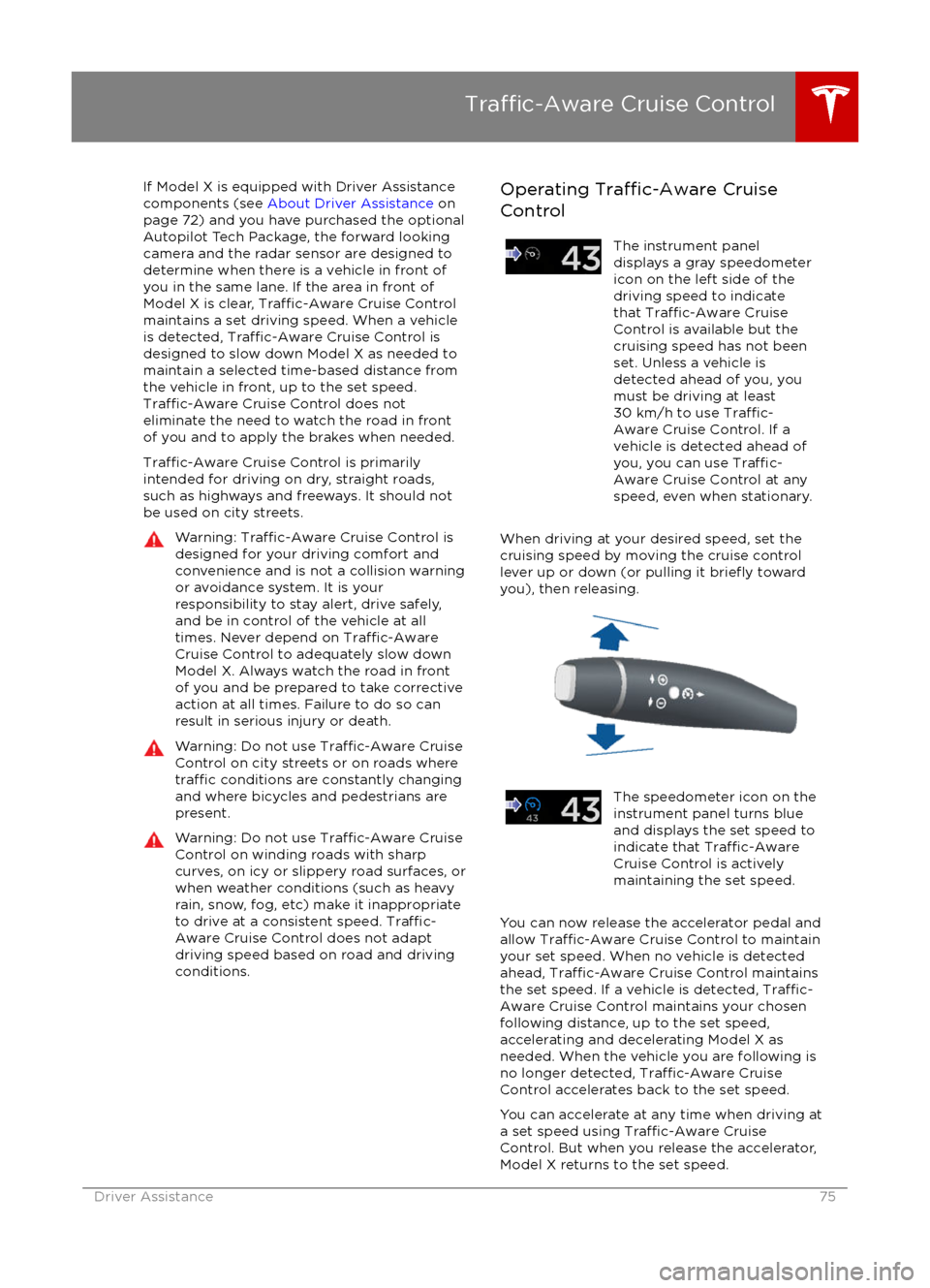
If Model X is equipped with Driver Assistance
components (see About Driver Assistance on
page 72) and you have purchased the optional Autopilot Tech Package, the forward lookingcamera and the radar sensor are designed to
determine when there is a vehicle in front of
you in the same lane. If the area in front of Model X is clear,
Traffic-Aware Cruise Control
maintains a set driving speed. When a vehicle
is detected,
Traffic-Aware Cruise Control is
designed to slow down Model X as needed to
maintain a selected time-based distance from
the vehicle in front, up to the set speed.
Traffic-Aware Cruise Control does not
eliminate the need to watch the road in front
of you and to apply the brakes when needed.
Traffic-Aware Cruise Control is primarily
intended for driving on dry, straight roads,
such as highways and freeways. It should not
be used on city streets.
Warning: Traffic-Aware Cruise Control is
designed for your driving comfort and
convenience and is not a collision warning or avoidance system. It is your
responsibility to stay alert, drive safely,
and be in control of the vehicle at all
times. Never depend on
Traffic-AwareCruise Control to adequately slow down
Model X. Always watch the road in front
of you and be prepared to take corrective
action at all times. Failure to do so can
result in serious injury or death.
Warning: Do not use Traffic-Aware Cruise
Control on city streets or on roads where
traffic conditions are constantly changing
and where bicycles and pedestrians are
present.
Warning: Do not use Traffic-Aware Cruise
Control on winding roads with sharp
curves, on icy or slippery road surfaces, or
when weather conditions (such as heavy
rain, snow, fog, etc) make it inappropriate
to drive at a consistent speed.
Traffic-
Aware Cruise Control does not adapt
driving speed based on road and driving
conditions.
Operating Traffic-Aware Cruise
ControlThe instrument panel
displays a gray speedometer
icon on the left side of the
driving speed to indicate
that
Traffic-Aware Cruise
Control is available but the
cruising speed has not been
set. Unless a vehicle is
detected ahead of you, you
must be driving at least
30 km/h to use
Traffic-
Aware Cruise Control. If a
vehicle is detected ahead of
you, you can use
Traffic-
Aware Cruise Control at any
speed, even when stationary.
When driving at your desired speed, set the cruising speed by moving the cruise control
lever up or down (or pulling it
briefly toward
you), then releasing.
The speedometer icon on the
instrument panel turns blue
and displays the set speed to
indicate that
Traffic-AwareCruise Control is actively
maintaining the set speed.
You can now release the accelerator pedal and
allow Traffic-Aware Cruise Control to maintain
your set speed. When no vehicle is detected ahead,
Traffic-Aware Cruise Control maintains
the set speed. If a vehicle is detected, Traffic-
Aware Cruise Control maintains your chosen
following distance, up to the set speed,
accelerating and decelerating Model X as
needed. When the vehicle you are following is
no longer detected,
Traffic-Aware Cruise
Control accelerates back to the set speed.
You can accelerate at any time when driving at
a set speed using
Traffic-Aware Cruise
Control. But when you release the accelerator,
Model X returns to the set speed.
Traffic-Aware Cruise Control
Driver Assistance75
Page 76 of 179

When following a vehicle, Traffic-Aware Cruise
Control remains active at low speeds, even if
Model X comes to a standstill while following a vehicle. When
traffic is moving again, Traffic-
Aware Cruise Control resumes operating at
your currently set speed. However, if a
pedestrian or object is detected in front of
Model X,
Traffic-Aware Cruise Control goes
into a HOLD state and the instrument panel
displays a message indicating that you need
to resume cruise control. To resume, press the
accelerator pedal or pull the cruise control lever toward you (see Canceling and
Resuming on page 78).
Note: If you double-pull the cruise control
lever, Autosteer activates and the set speed changes to your current driving speed.
When
Traffic-Aware Cruise Control is actively
slowing down Model X to maintain the
selected distance from the vehicle ahead, the
brake lights turn on to alert other road users
that you are slowing down. You may also notice slight movement of the brake pedal.
Warning: Traffic-Aware Cruise Control
can not detect all objects and may not
brake/decelerate for stationary vehicles,
especially in situations when you are
driving over 80 km/h and a vehicle you
are following moves out of your driving path and a stationary vehicle or object,bicycle, or pedestrian is in front of you
instead. Always pay attention to the road
ahead and stay prepared to take
immediate corrective action. Depending
on
Traffic-Aware Cruise Control to avoid
a collision can result in serious injury or death. In addition,
Traffic-Aware Cruise
Control may react to vehicles or objects
that either do not exist or are not in the
lane of travel, causing Model X to slow
down unnecessarily or inappropriately.
Warning: Traffic-Aware Cruise Control
may be unable to provide adequate
speed control because of limited braking
capability and hills. It can also misjudge the distance from a vehicle ahead. Driving
downhill can increase driving speed, causing Model X to exceed your set
speed. Never depend on
Traffic-AwareCruise Control to slow down the vehicle
enough to prevent a collision. Always
keep your eyes on the road when driving
and be prepared to take corrective action
as needed. Depending on
Traffic-AwareCruise Control to slow the vehicle down
enough to prevent a collision can result in
serious injury or death.
Warning: Traffic-Aware Cruise Control
may occasionally brake Model X when not
required or you are not expecting it. This can be caused by closely following a
vehicle ahead, detecting vehicles or
objects in adjacent lanes (especially on curves), etc.
Adjust your following distance
To adjust the distance you want to maintain
between Model X and a vehicle traveling
ahead of you, rotate the cruise control lever to
choose a setting from 1 (the closest following distance) to 7 (the longest following distance).
Each setting corresponds to a time-based
distance that represents how long it takes for
Model X, from its current location, to reach the
location of the rear bumper of the vehicle
ahead.
Note: A horizontal line displays on the
instrument panel to represent your following distance from a vehicle ahead (see Instrument
Panel - Driving on page 46).
As you rotate the cruise control lever, the
instrument panel displays the current setting.
Release the lever when the desired setting is
displayed.
Traffic-Aware Cruise Control
76Model X Owner
Page 80 of 179

Note: Autosteer is a BETA feature in Release
7.0.
If Model X is equipped with Driver Assistance
components (see About Driver Assistance on
page 72), and you have purchased the optional Autopilot Tech Package, you can use
Autosteer to manage steering and speed under certain circumstances. Autosteer builds
upon
Traffic-Aware Cruise Control,
intelligently keeping Model X in its driving lane
when cruising at a set speed. Using the
forward looking camera, the radar sensor, and
the ultrasonic sensors, Autosteer detects lane
markings and the presence of vehicles and
objects, assisting you in steering Model Xbased on the lane markings and the vehicle
directly in front of you.
Warning: Autosteer is a hands-on feature.
You must keep your hands on the steering
wheel at all times.Warning: Autosteer is intended for use
only on highways and controlled-access roads with a fully attentive driver. Holdthe steering wheel and be mindful of road
conditions and surrounding
traffic while
using Autosteer. Do not use Autosteer on
city streets or in areas where bicyclists or
pedestrians may be present. Never depend on Autosteer to determine an
appropriate driving path. Always be
prepared to take immediate action.
Failure to follow these instructions could
cause serious property damage, injury or
death.
Operating Autosteer
Before you can operate Autosteer, you must
enable it by touching Controls > Settings > Driver Assistance > Autosteer > Enable. You
can also choose whether you want to hear a chime when Autosteer is enabled or disabled.
To indicate that Autosteer is available (but notactively steering Model X), the instrumentpanel displays a gray Autosteer icon on theright side of the driving speed as shown here:
To initiate Autosteer, pull the cruise control
lever toward you twice in quick succession. Autosteer
briefly displays a message on the
instrument panel reminding you to pay
attention to the road and have your hands on
the steering wheel. To indicate that Autosteer
is now actively assisting in steering Model X, the instrument panel displays the Autosteericon in blue. When Autosteer is able to detectlane markings, it also displays the driving lane
in blue:
Note: To initiate Autosteer, you must be
driving at least 30 km/h on a roadway with
visible lane markings. If a vehicle is detected ahead of you, you can initiate Autosteer at any
speed, even when stationary.
Note: When using Autosteer on residential
roads, or any road without a center divider,
driving speed is limited to a maximum of
70 km/h. When Autosteer detects that you are
driving on these types of roads, it reduces the speed to 70 km/h, if necessary, even if the set
cruising speed is higher. If you use the
accelerator pedal to increase driving speed
above 70 km/h, Autosteer sounds a repeated chime. When you leave the residential road (or
road without a center divider), or disengage
Autosteer by using the steering wheel, Model S resumes cruising at the set speed.
Note: In most cases, Autosteer attempts to
center Model X in the driving lane. However, if
the sensors detect the presence an obstacle (such as a vehicle or guard rail), Autosteer
may steer Model X in a driving path that is
offset from the center of the lane.
Autosteer
80Model X Owner
Page 81 of 179

Hold Steering WheelAutosteer uses data from the camera, sensors,and GPS system to determine where to drive.It also requires you to hold the steering wheel. When entering a curve, if Autosteer does not
detect your hands on the steering wheel, it displays the following message on the
instrument panel and eventually sounds a
chime:
When you see this message, you may need to tighten your grip on the steering wheel. When
your hands are detected, Autosteer resumes normal operation.
If Autosteer does not detect your hands on
the steering wheel, the Hold Steering Wheel
request escalates by sounding two additional chimes. The chimes increase in frequency until
Autosteer detects your hands. If no action is
taken, Autosteer begins to decelerate Model X
and displays the following message on the
instrument panel:
Autosteer will eventually decelerate Model X
to a full stop and then turn on the hazard
warning
flashers.
Autosteer is Aborting
In situations where Autosteer is unable to assist in steering Model X, Autosteer aborts,sounds a warning chime, and displays the
following message on the instrument panel:
Canceling Autosteer
Autosteer cancels when:
Page 83 of 179

Note: Auto Lane Change assists in movingModel X one lane at a time. Moving into an
additional lane requires you to engage the
turn signal a second time when the
first lane
change is complete.
Warning: If Auto Lane Change can not
detect the outside of the target lane
midway through the lane change, both
Auto Lane Change and Autosteer will cancel. The instrument panel displays a
message instructing you to take over the
steering wheel immediately.
When Auto Lane Change is active, it is
important to monitor its performance by
watching the driving path in front of you. Stay
prepared to take over steering at any time. On the instrument panel, the lane you are crossing
over displays as a dashed blue line and once in your new lane, the lane markings display as
solid blue lines.
In situations where Auto Lane Change is
unable to operate at optimal performance, or
can not operate due to inadequate data, the
instrument panel displays a series of warnings.
Therefore, when using Auto Lane Change,
always pay attention to the instrument panel
and be prepared to manually steer Model X.
Warning: When Auto Lane Change is
actively assisting in steering Model X, the steering wheel moves accordingly.
Although you must have your hands on
the steering wheel, any
significantrestriction of the steering wheel
Page 89 of 179

alert and always pay attention to the area
in front of Model X so you can anticipate whether any action is required.Warning: Forward Collision Warning does
not operate when Model X is traveling less than 7 km/h.
Automatic Emergency Braking
The forward looking camera and the radar
sensor are designed to determine the distance
from any object (vehicle, motorcycle, bicycle,
or pedestrian) traveling in front of Model X. When a frontal collision is considered
unavoidable, Automatic Emergency Braking is
designed to automatically apply the brakes to
reduce the severity of the impact.
When Automatic Emergency Braking applies
the brakes, the instrument panel displays a visual warning and you
Page 91 of 179

How Speed Assist Works
If Model X is equipped with Autopilot
components (see About Driver Assistance on
page 72), the forward looking camera detects
speed limit signs. The signs are then analyzed
and compared against GPS data to determine
the speed limit at your current driving
location. For routes where no signs are
present, speed limits are determined using GPS data (if available). Instead of determining
the speed limit based on signs and GPS data,
you can also manually enter an arbitrary speed limit.
When Speed Assist is turned on (described
below), the instrument panel displays a speed
limit sign. Warnings (described below) take
effect when you exceed this limit.
In situations where Speed Assist is unable to
detect a speed (for example, speed limit signs
and GPS data are not available at the current
location), the instrument panel does not display a speed limit sign. If Speed Assist is
uncertain that an acquired speed limit is
accurate (for example, although a speed limit sign was initially detected, some time has
passed before a subsequent sign has been
detected), the speed limit sign is dimmed. In both cases, warnings do not take
effect.
If you set the speed limit warning to Display
(see Controlling Speed Assist on page 91),
the speed limit sign on the instrumental panel
increases in size whenever you exceed the
speed limit.
If you set the speed limit warning to Chime (see Controlling Speed Assist on page 91)
and exceed the speed limit, you also hear a warning chime.
Note: Speed limit warnings go away after 10 seconds, or when Model X slows down below
the
specified limit.
Warning: Do not rely on Speed Assist to
determine the appropriate speed limit. Always drive at a safe speed based on
traffic and road conditions.
Controlling Speed Assist
To turn Speed Assist on or
off, and control
how it works, touch Controls > Settings > Driver Assistance > Speed Limit Warning, then
choose one of these options:
Page 112 of 179
Overview
Touch the Media icon to listen to the radio or
play audio
files. The touchscreen displays the
Media Player. Media Player has two tabs. Use the Browse tab to select what you want to
play and use the Now Playing tab to view and
control what is currently playing. You can play
FM radio (including HD). You can also play Internet radio (such as TuneIn), and audio
filesfrom a Bluetooth-connected device or a USB-
connected flash drive.
Volume Control To adjust the media volume, roll the scroll
wheel on the left side of the steering wheel up
or down. To mute the volume, tap the scroll
wheel.
Note: The scroll wheel adjusts the volume for
media, navigation instructions and phone calls
based on what is currently in use. As you
adjust volume, the instrument panel displays
the volume level and whether you are
adjusting volume for media, navigation or phone.
Note: Muting the volume during a phone call
also mutes the microphone.
FM Radio Model X provides FM radio services. FM radio
can be selected from the Browse tab or using
the Source Picker, located in the upper right corner of the Media Player window.
You can manually tune the radio to any
frequency by touching and dragging the
channel selector bar on the Now Playing
screen. The channel selector bar allows you to
move from one available radio station to the next.
Internet Radio
Internet radio services are accessed over a
data connection. To use Internet radio, touch Media > Browse > Internet.
Choose your desired Internet radio service (for
example, TuneIn), then browse through the
available categories and/or stations. When
you select a
specific station or episode, Media
Player starts playing it and displays the Now
Playing screen.
To play the next (and in some cases previous)
available station, episode, or track being
provided by the Internet radio service, touch
the arrows on the Now Playing screen, or use
the buttons on the left side of the steering wheel (see Using Left Steering Wheel Buttons
on page 37). The exact function of these
controls vary depending on the
specificInternet service you are listening to.
Internet Radio Account Registration
Model X provides you with one or more
Internet radio services. To enter your log in
information, touch Controls > Settings > Apps > Media Player. Enter the email and
password associated with the Internet radio account(s) you want to use, then touch Log In.
TuneIn
TuneIn does not require an account for it to work. But if you have a TuneIn account (go to www.tunein.com ), you can log in as described
above.
When playing a TuneIn podcast, you can rewind or fast forward to any location in the
podcast by dragging the slider bar on the Now Playing tab.
Media and Audio
112Model X Owner
Page 114 of 179

USB Hub Connections
Your Model X has two USB connections
located on the front of the center console that
you can use to connect USB devices. To play
audio
files stored on a USB drive connected to
these ports, see My Music & Devices on page
113. You can also use these connections to
charge USB devices.
In addition, Model X has two charge-only USB
connections located at the rear of the center
console, and another charge-only connection located between the third row seats.
Note: You can charge four devices
simultaneously using the two ports at the
front of the center console and the two at the
rear of the console.
The Model X USB Hub also
offers a dedicated
Wi-Fi connection. This connection allows passengers in the rear seating positions tochange climate control settings using a unique
Tesla smartphone app.
12V Power Socket
Your Model X has a power socket located on
the front of the center console. An additional
12V power socket is located in the rear trunk.
Power is available whenever the instrument
panel and touchscreen are on.
The 12V power sockets are suitable for
accessories requiring up to 11A continuous
draw (15A peak) or a maximum of 150
continuous watts (180 watts peak).
Note: In situations where Model X is unable to detect the key (low battery, interference, etc),
place it immediately below the 12V power
socket in the center console where Model X
can best detect it.
Warning: The power socket and an
accessory
Page 118 of 179

The route overview icon is available
on the right side of the search bar
whenever a navigation route is
active. You can toggle between
North Up, Heading Up, and Route
Overview (see Using Maps on page
117). As you travel on your
navigation route, the zoom level
adjusts to display an overview of
the route and zooms in on your
destination as you make progress
on your trip.
The touchscreen also displays a turn-by-turn
direction list that includes estimated driving
time and arrival time.
During navigation, the instrument panel also
displays the turn-by-turn directions and you
will hear spoken instructions. To change the
language of spoken instructions, touch
Controls > Settings > Units & Format. To
change the volume of the spoken instructions
touch the volume button located on the turn- by-turn direction list displayed on the
touchscreen.
Favorite Destinations
Add any destination to your list of
Favorites by either touching its flagwhile navigating to it, or by
displaying it on the map then
touching its pin. Then, in the popup
dialog that appears, touch the
Favorites icon. When a destination is
on your Favorites list, the icon is
blue. To remove a favorite
destination, touch the Favorites icon
again.
If you frequently navigate to a destination, you
may want to add it as a Favorite to avoid
having to enter the location